Key takeaways
- Start with a niche where narration and visuals carry the story; documentary formats work well without a face.
- Set the channel up on a Brand Account and add helpers through channel permissions instead of sharing your password.
- Plan 10 videos before publishing, and give each one its own storyline so the channel doesn't feel interchangeable.
- Disclose AI only where YouTube requires it, mainly realistic altered or synthetic content, not AI-assisted scripts.
- Judge the channel on about 90 days of data, and remember YouTube alone decides Partner Program approval.
To start a faceless YouTube channel, pick a niche where narration and visuals can carry the story, check that people already search for it, and set the channel up on a Brand Account so you can add an editor or manager later. Then plan your first 10 videos, build a repeatable workflow (research, script, voiceover, edit, thumbnail, title), and upload on a schedule you can keep.
After that, measure what viewers actually do for about 90 days before you change course. This guide walks through each step in order.
We are a production team that makes faceless, documentary-style videos for clients, so this is the process we see from the inside. We also sell parts of it, so weigh our view accordingly. Everything below can be done by one person with time and patience.
Step 1: Which niche works for a faceless channel?
A faceless channel works when the topic is more interesting than the presenter. Viewers come for the story, the explanation or the mystery, not for a personality.
Documentary formats fit this well. A narrated story with footage, maps, archive images and motion graphics doesn't need a face on screen. Our own portfolio covers six documentary niches:
- Finance and economics
- Engineering and infrastructure
- True crime and investigations
- Brand stories
- Science and culture
- Stories and legends
That list isn't a ranking of what earns most. It's simply where we have hands-on experience. You can see the 27 productions on our work page.
When you choose, ask three questions:
- Can you make 50 videos on it? A niche with only ten good ideas runs dry fast.
- Can you find visuals legally? Stock footage, public-domain archives, your own graphics or licensed clips. If every video depends on other people's footage, you're building on weak ground.
- Do you care enough to research it? Faceless channels live or die on the script. Boredom shows.
Pick a format at the same time. "Explainer," "investigation," "history of a company" and "countdown" are all formats. One clear format makes every later step easier.
Step 2: Check demand and competitors
Before you spend money or weeks of effort, confirm that people already watch this kind of video. You don't need paid tools for a first pass.
- Search YouTube for your topic. Look at the autocomplete suggestions. They come from real searches.
- Find 5 to 10 channels in the niche. Sort their videos by "Popular" and note which topics got far more views than the channel's usual.
- Check upload dates. If the big channels stopped posting years ago, there may be room. If new channels keep appearing and getting views, demand is active.
- Read the comments. Viewers often ask for the next video they want. That's free topic research.
Then look for your gap. Maybe competitors are fast but shallow, or deep but hard to follow. Your angle should be something you can repeat in every video, such as better sourcing, clearer visuals or tighter storytelling.
If you'd rather have someone else do this research, that's what our niche research service covers. It's also very doable on your own over a weekend.
Step 3: Set up the channel properly
Setup takes an hour, but mistakes here are annoying to fix later. Work through it in this order.
Use a Brand Account
YouTube lets you create a channel with a business or other name. Its help page on creating a YouTube channel describes this as the route for "a channel that can have more than one manager or owner," and says you can connect your channel to a Brand Account "if you want to use a different name on YouTube."
For a faceless channel, this matters. Sooner or later you'll want an editor, a scriptwriter or a manager to work in YouTube Studio. You should never hand over your Google password to do that.
Add people through channel permissions
YouTube's channel permissions page lists roles such as Owner, Manager, Editor, Editor (Limited) and Viewer. An Editor "can't manage permissions," and the limited roles can't see revenue data. Invites expire after 30 days.
Give each person the lowest role that lets them do their job. Keep ownership yourself.
Name, handle and branding
- Name: short, easy to spell, and broad enough that you won't outgrow it after 20 videos.
- Handle: match the name as closely as you can, so people can find you by typing it.
- Logo: simple enough to read at a tiny size. It shows up as a small circle next to every video.
- Banner: say what the channel is about in a few words. Check it on a phone, because the edges get cropped.
- About section: two or three plain sentences on what you cover and how often you upload, plus a contact email for business inquiries.
Also turn on 2-Step Verification for the Google Account now. You'll need it for monetization later, and it protects the channel.
Step 4: Plan your first 10 videos
Don't start with one video and figure out the rest later. Plan ten before you publish the first. This shows whether the niche can sustain you and gives you a buffer when production runs late.
A useful mix for the first ten:
- Proven topics. Subjects that did well for competitors, told from your angle.
- Search topics. Questions people type into YouTube, where the title can match the search.
- A few bets. Ideas you think are interesting but haven't seen done well.
Write a working title and a one-line hook for each. If you can't write a hook that makes you want to click, the topic probably needs a sharper angle.
Each video should have its own storyline or focus. This isn't just good craft. YouTube's monetization policies say "channels where content feels interchangeable from video to video are not allowed to monetize." We cover that rule in detail in our guide to the YouTube inauthentic content policy, so we won't repeat it here.
Step 5: Build a production workflow
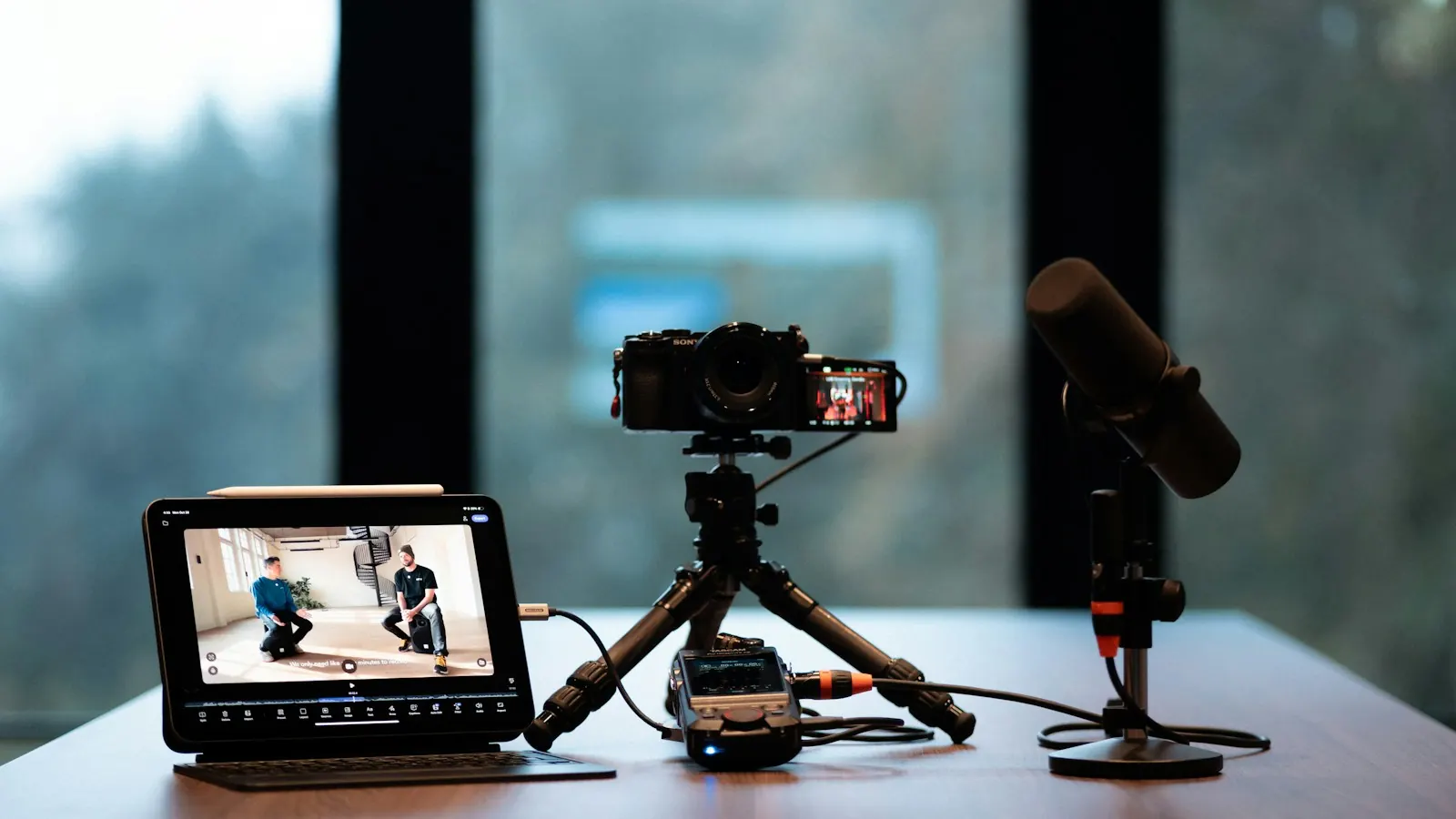
Faceless channels are a production pipeline. The more repeatable each stage, the more consistent your uploads. Here's the order we work in.
- Research. Gather facts from sources you can name. Note dates, numbers and quotes with their source so you can check them later.
- Script. Write for the ear, not the page. Open with the question the video answers, then keep giving viewers a reason to stay. Cut anything that doesn't move the story.
- Voiceover. Record your own voice or use an AI voice. We use AI for narration only (tools like ElevenLabs), with US, UK or neutral English accents. Whatever you choose, keep it consistent across videos.
- Edit. Match every line of narration to a visual. Use pacing, music and on-screen text to support the script, not to fill silence.
- Thumbnail. One clear idea, readable on a phone. It should promise what the video delivers.
- Title and description. The title and thumbnail work as a pair. The description explains what the video covers in plain words and lists sources where relevant.
In our own process, research, scripts, editing and thumbnails are done by people. The script is where most of the quality comes from, so that's the last place we'd cut corners.
How long this takes depends on video length and skill. Our team turns a 10–15 minute video around in 60–72 hours from kickoff, but that's a team working in parallel. Solo, expect it to take much longer at first.
If you're wondering what each stage costs to hire out, we break that down in how much a faceless YouTube channel costs.
Step 6: Run an upload checklist
Use the same checklist for every upload. It saves you from small mistakes that are easy to miss when you're tired.
- Final video checked on a phone, with headphones, start to finish.
- Title and thumbnail match what the video actually covers.
- Description written, with sources and chapters if the video is long.
- Captions checked, especially names and numbers.
- End screen and cards pointing to a related video of yours.
- Rights checked for every clip, image and music track.
- The AI use setting answered correctly.
That last item confuses many faceless creators. YouTube's page on disclosing altered or synthetic content says it requires creators "to disclose AI-generated or altered content that seems realistic," such as making "a real person appear to say or do something they didn't do."
The same page lists things that don't need disclosure. These include non-realistic content made with AI, minor edits, caption creation, cloning your own voice for voice-overs, and using AI for "a video outline, script, thumbnail, title, or infographic." In YouTube Studio, you answer this in the upload steps with a Yes or No.
So answer honestly based on what's in that specific video. If you generated a realistic scene of a real event that didn't happen, disclose it. If you didn't, you don't need to label it just to be safe.
Step 7: What should you measure in the first 90 days?
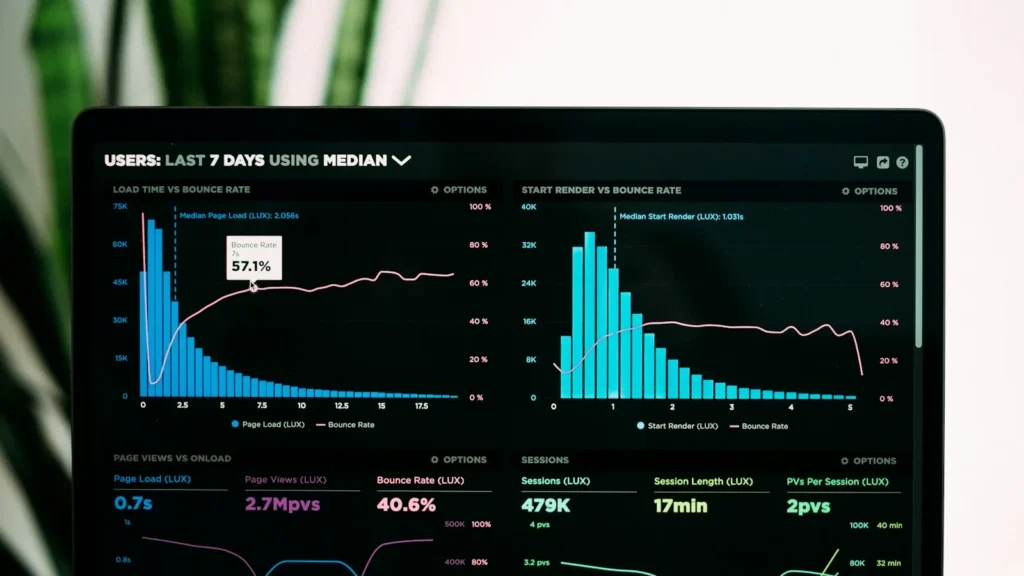
Early numbers are small and noisy. Don't judge a channel on one video. Look for patterns across your first 10 or so uploads, roughly over the first 90 days.
The metrics in YouTube Studio that tell you the most:
- Impressions click-through rate. Are people clicking when YouTube shows your thumbnail? Low clicks point to the title and thumbnail.
- Average view duration and the retention graph. Where do people leave? A sharp drop in the first 30 seconds points to the intro. A steady slide points to pacing.
- Traffic sources. Search, browse and suggested videos each tell you something different about how people find you.
- Returning viewers and subscribers per video. These show whether people want more from you, not just one video.
Compare your videos to each other, not to big channels. Find your best two or three, ask why they worked, and make the next batch more like them. Change one thing at a time so you know what made the difference.
Be realistic. No one can guarantee that a new channel will grow, and many good channels take a long time to find their audience.
When can you join the YouTube Partner Program?
YouTube decides monetization, not you and not any agency. According to YouTube's YouTube Partner Program overview, to share ad revenue you need either:
- 1,000 subscribers with 4,000 qualified watch hours in the last 12 months, or
- 1,000 subscribers with 10 million qualified Shorts views in the last 90 days.
The same page lists other requirements, including following the channel monetization policies, living in a country or region where the program is available, having no active Community Guidelines strikes, turning on 2-Step Verification, and having an AdSense for YouTube account linked to the channel. Meeting the thresholds gets you a review, not an automatic approval.
Should you do it yourself or outsource?
Both are reasonable. The right choice depends on your time, budget and which parts you enjoy.
Do it yourself if you have time to learn scripting and editing, you want full control, and you'd rather spend effort than money. You'll learn the most this way, and you'll be a better client if you outsource later.
Hire freelancers if you're good at one stage, like scripting, and want to hand off another, like editing. This is flexible, but you become the project manager who keeps everyone aligned.
Use an agency or production team if you want one place to handle the whole pipeline. That's what we do, and other agencies do too. Compare samples, ask who does the work, and check what happens when you want changes.
A common middle path is to outsource the setup and the first batch of videos, study what works, then decide what to keep in-house. Our pricing page lists our packages if you want a reference point.
Frequently asked questions
How do I start a faceless YouTube channel as a beginner?
Pick one niche and one format, check that competitors in it get views, set up a Brand Account channel, and plan 10 videos before you publish. Keep your first videos simple and focus on a clear script.
Do I need to show my face or use my own voice?
No. Many faceless channels use narration over footage and graphics. You can record your own voice or use an AI voice. Either way, the script and editing matter more than who is speaking.
Do I have to label videos that use an AI voiceover?
Not automatically. YouTube requires disclosure for realistic AI-generated or altered content, such as a real person appearing to say something they didn't. Cloning your own voice for voice-overs and using AI for scripts are listed as not needing disclosure. Check YouTube's page for your specific case.
How many videos should I make before judging the channel?
We suggest around 10 uploads over roughly 90 days before drawing conclusions. One or two videos is too little data to tell a weak niche from a weak title.
Can a faceless channel be monetized?
Yes, if it meets YouTube's Partner Program requirements and follows its monetization policies. YouTube reviews every channel and makes the final decision, so no one can promise approval.
If you'd like help with the first steps, our channel management and setup service covers channel setup, including the logo and banner. You can also message us on WhatsApp with questions before deciding anything.

We research, script, voice, edit and package documentary-style YouTube videos for faceless channels — and share what we learn along the way.