·Video Production
The YouTube Video Production Workflow: From Idea to Upload
Discover a streamlined YouTube video production workflow, from initial research and scripting to recording, editing,…
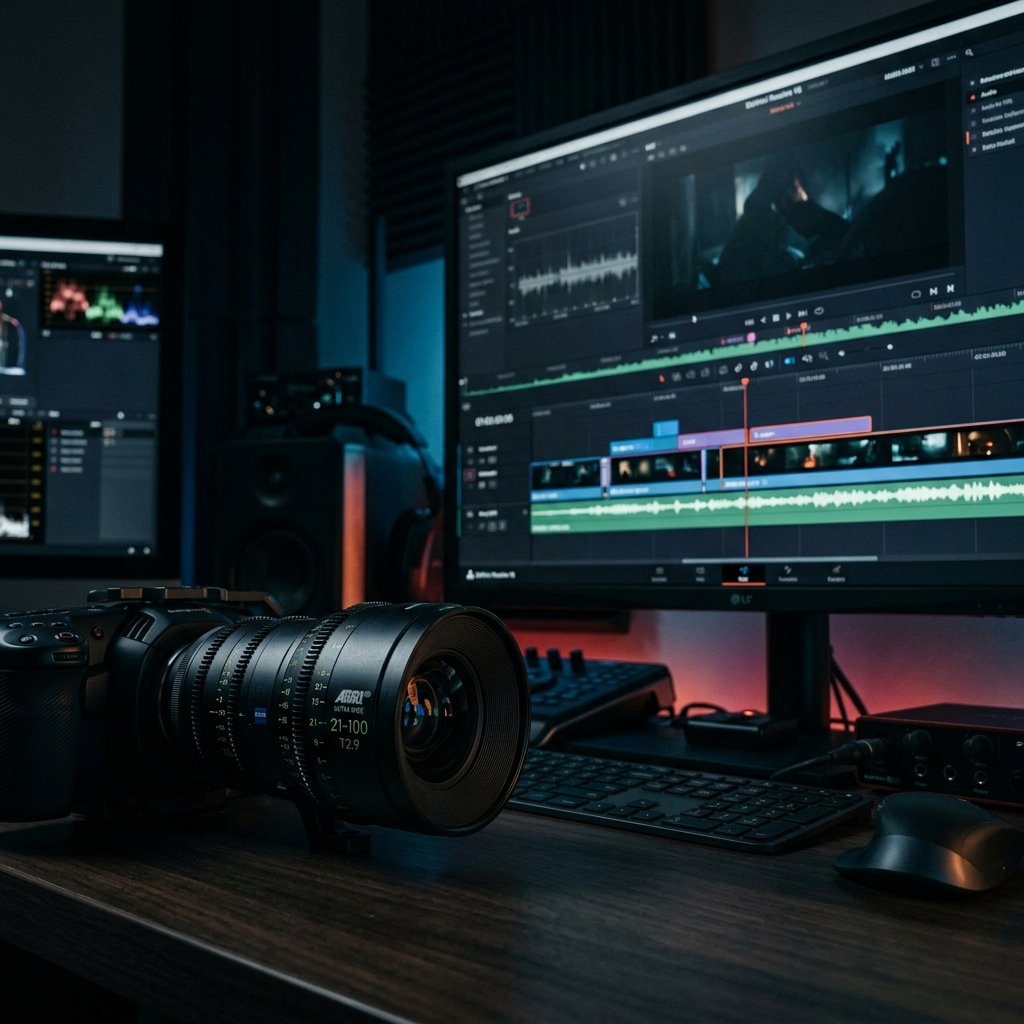
In the highly competitive ecosystem of YouTube, acquiring a viewer’s click is only the first step. Retaining their attention is where true channel growth happens. Professional video editing is not merely about assembling footage; it is a critical tool for pacing, storytelling, and audience retention. A well-edited video guides the viewer seamlessly through the narrative, minimizing drop-offs and maximizing watch time.
To establish a solid foundation, ensure your production workflow is optimized. High-quality raw material significantly elevates the editing process.
Retention-focused editing prioritizes the viewer’s experience. Every cut, transition, and graphical element must serve a purpose. If a segment does not advance the narrative, provide value, or entertain, it should be removed. The goal is to eliminate friction and maintain momentum throughout the video.
For more insights on keeping viewers engaged, explore our comprehensive guide on high-retention scriptwriting.
Pacing is the rhythm of your video. It dictates how quickly information is delivered and how the viewer emotionally responds. Effective pacing involves:
Transitions should be invisible or intentional. Overusing flashy transitions can distract from the content. Consider the following types:
B-roll is essential for visual variety and context. It breaks up the monotony of a talking head and reinforces the spoken message. Effective B-roll strategy includes:
Audio is often more critical than video quality. Poor audio can ruin an otherwise excellent video. Sound design enhances the viewing experience by:
Color grading establishes the visual identity of your channel and corrects any inconsistencies in the raw footage. A professional grade should look natural while enhancing the mood. Focus on accurate skin tones, balanced exposure, and consistent color temperatures across all clips.
To ensure your video looks its best on YouTube, use optimal export settings. Render in H.264 or H.265, maintain the original frame rate, and use a high bitrate (e.g., 15-50 Mbps for 1080p, 35-68 Mbps for 4K). Proper export settings prevent YouTube’s compression algorithms from degrading your visual quality.
If you need assistance elevating your editing quality, consider exploring our Premium Video Production services.
From editing and pacing to sound design and visual storytelling — we produce videos that perform.
Discover a streamlined YouTube video production workflow, from initial research and scripting to recording, editing,…
Understand the real factors driving YouTube video production costs. Explore the variables of scripting, editing,…
Explore the lucrative world of faceless YouTube channels. Learn about profitable niches, production requirements, voiceover…